ECMTB 2026
Organising a large-scale conference with over 1.200 participants from over 50 countries is no easy feat. For the ECMTB 2026 I got to collaborate with the Department of Mathematics and Scientific Computing of the University of Graz to ensure a great event.
The website, branding, and many other organisational designs were my contribution, which allowed both the organisers and the participants to enjoy a smooth conference experience.
The website
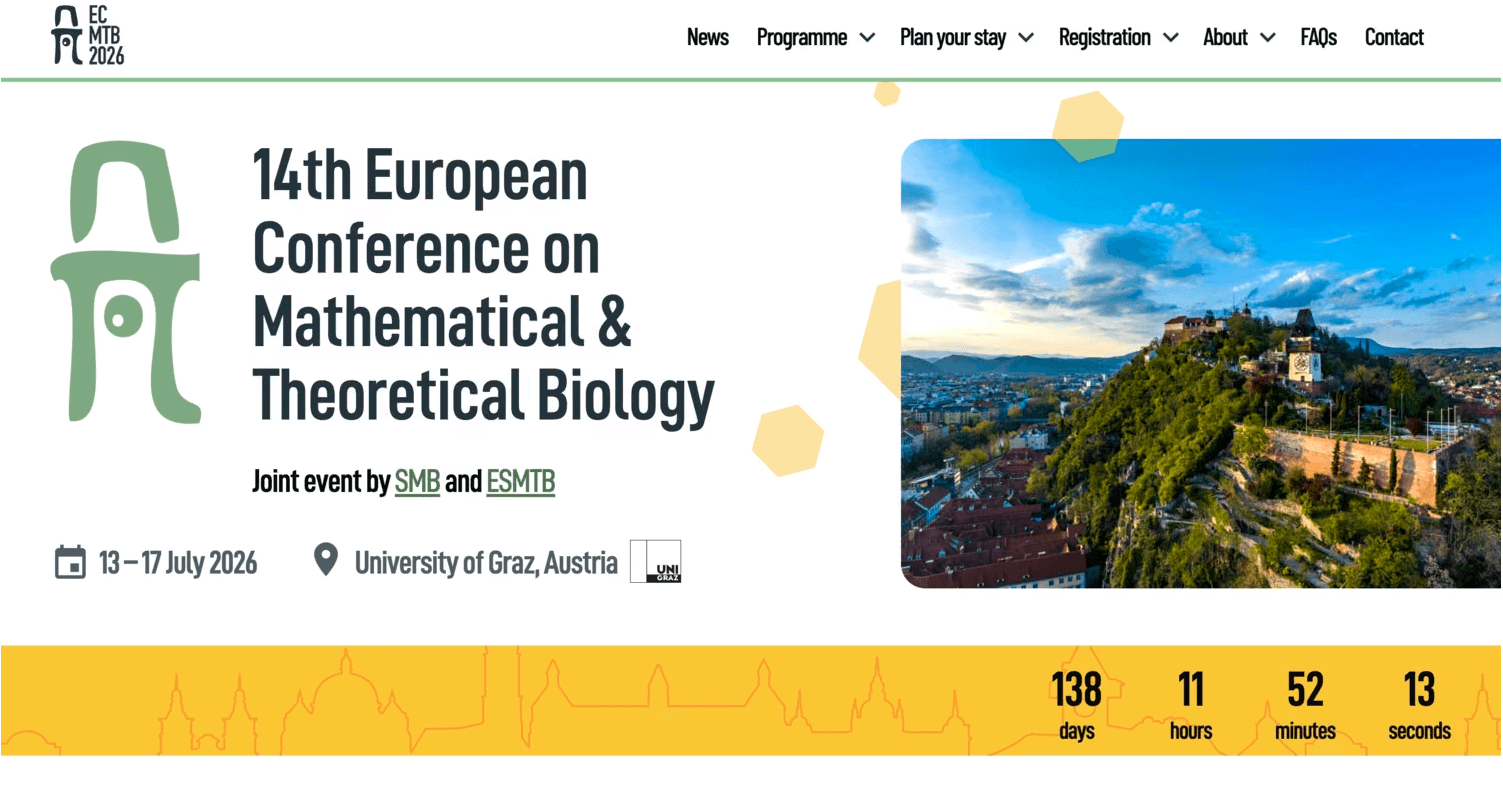
The ECMTB2026 was the main hub of information before and during the conference. It compiled all information on how to register, how to get to the city of Graz, information about the plenary talks, the schedule and so on and so forth.
The design is kept clean and simple with some playful elements that give it that extra human touch and make it memorable.
Interactive timetable & personalised schedule
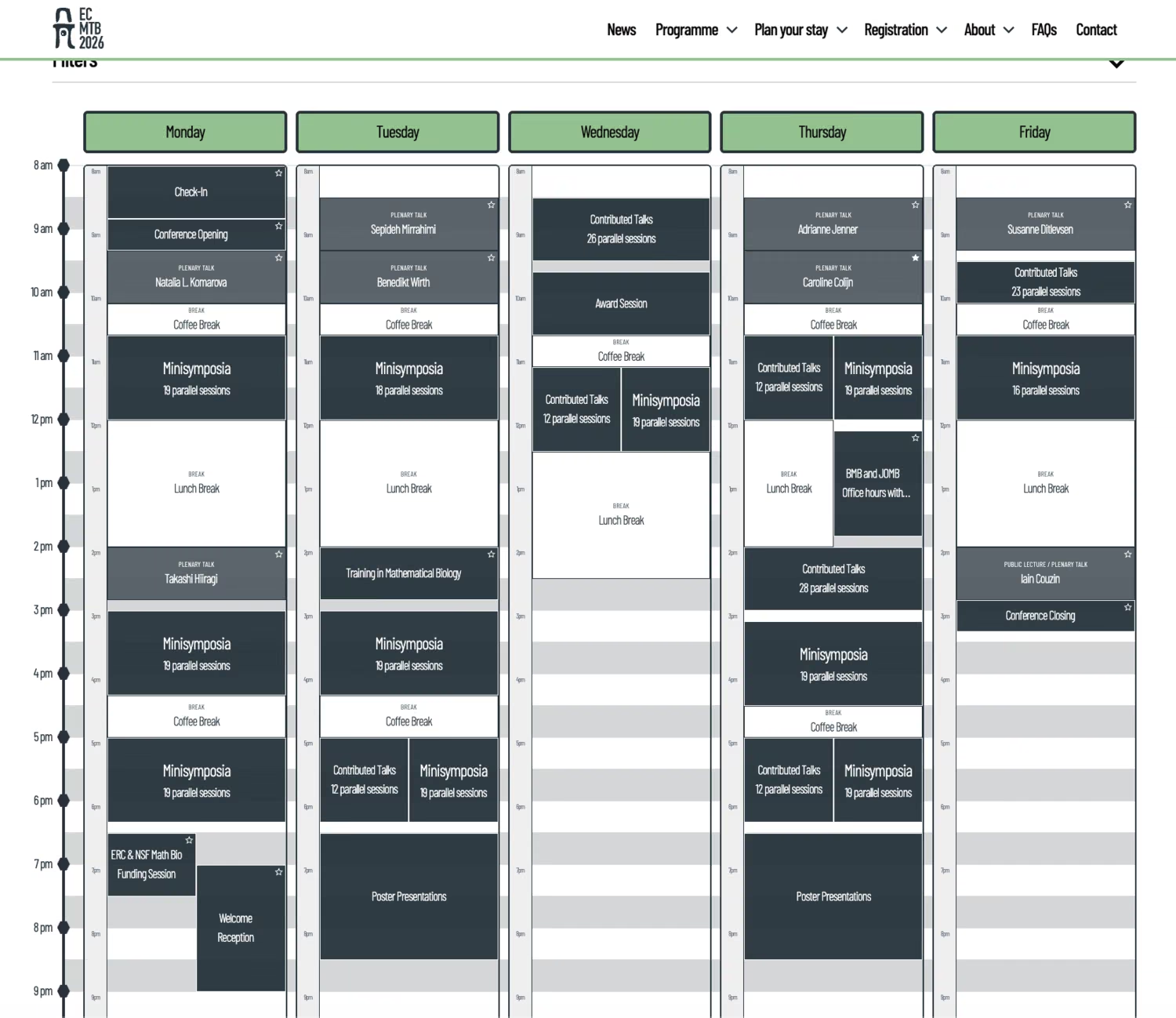
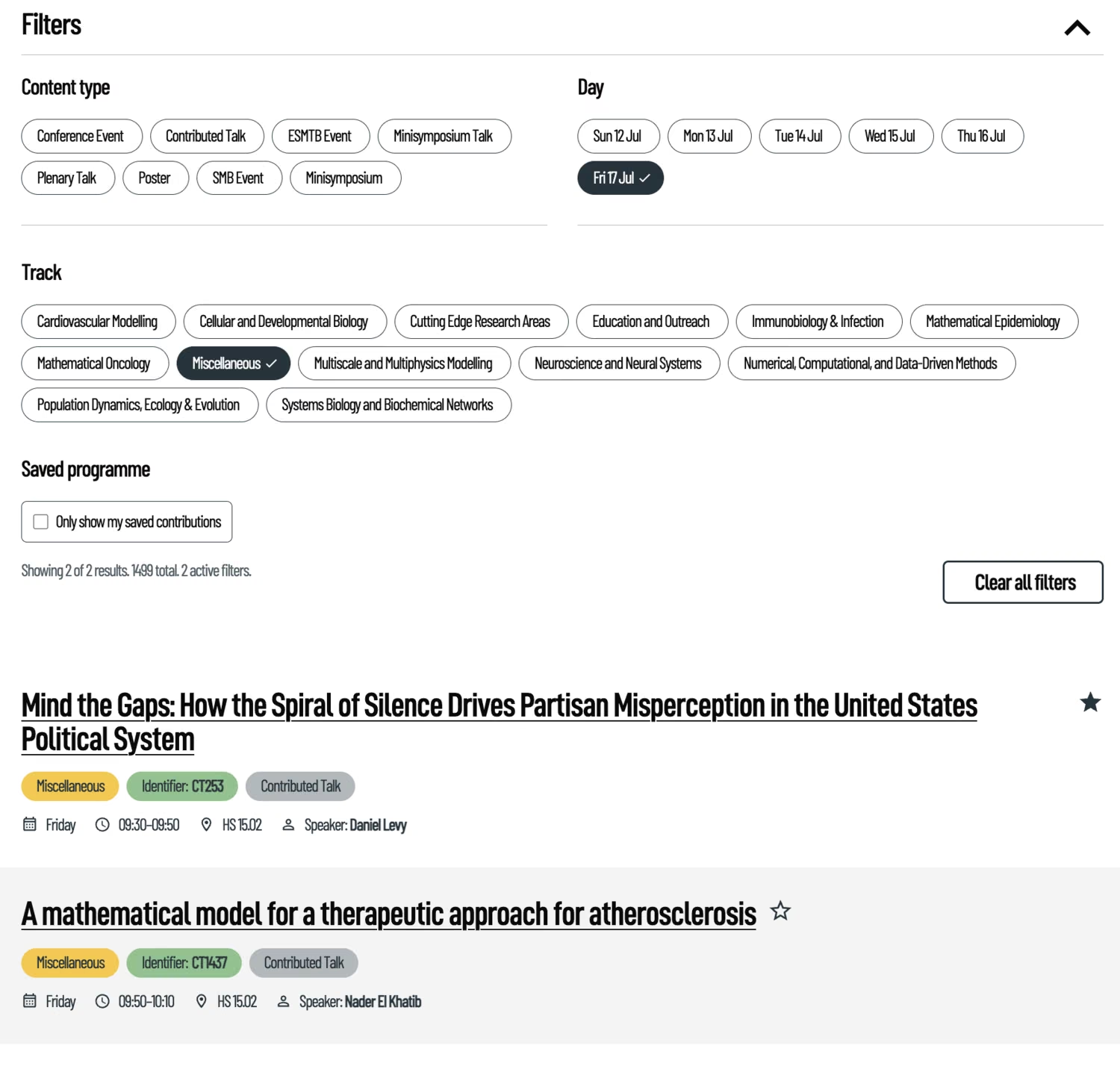
With nearly 1,300 contributions an easy way to navigate the schedule is essential. For this purpose I designed an interactive timetable with multiple layers and several filter options. The top-level shows the main sessions: the Minisymposia slots, Contributed talks, all plenary talks and of course the breaks in between.
Filters on top of the page help to narrow down different types of sessions or topic-based tracks. If something specific needs to be found, the simple search input with intelligent fuzzy search is the most efficient method.
Clicking on a session a slide-over opens with all essential information on the entry. If it is a Minisymposia or Contributed talks entry, it will show all parallel sessions in that slot. You can click on each one to navigate one layer deeper for even more detailed information on a particular talk.
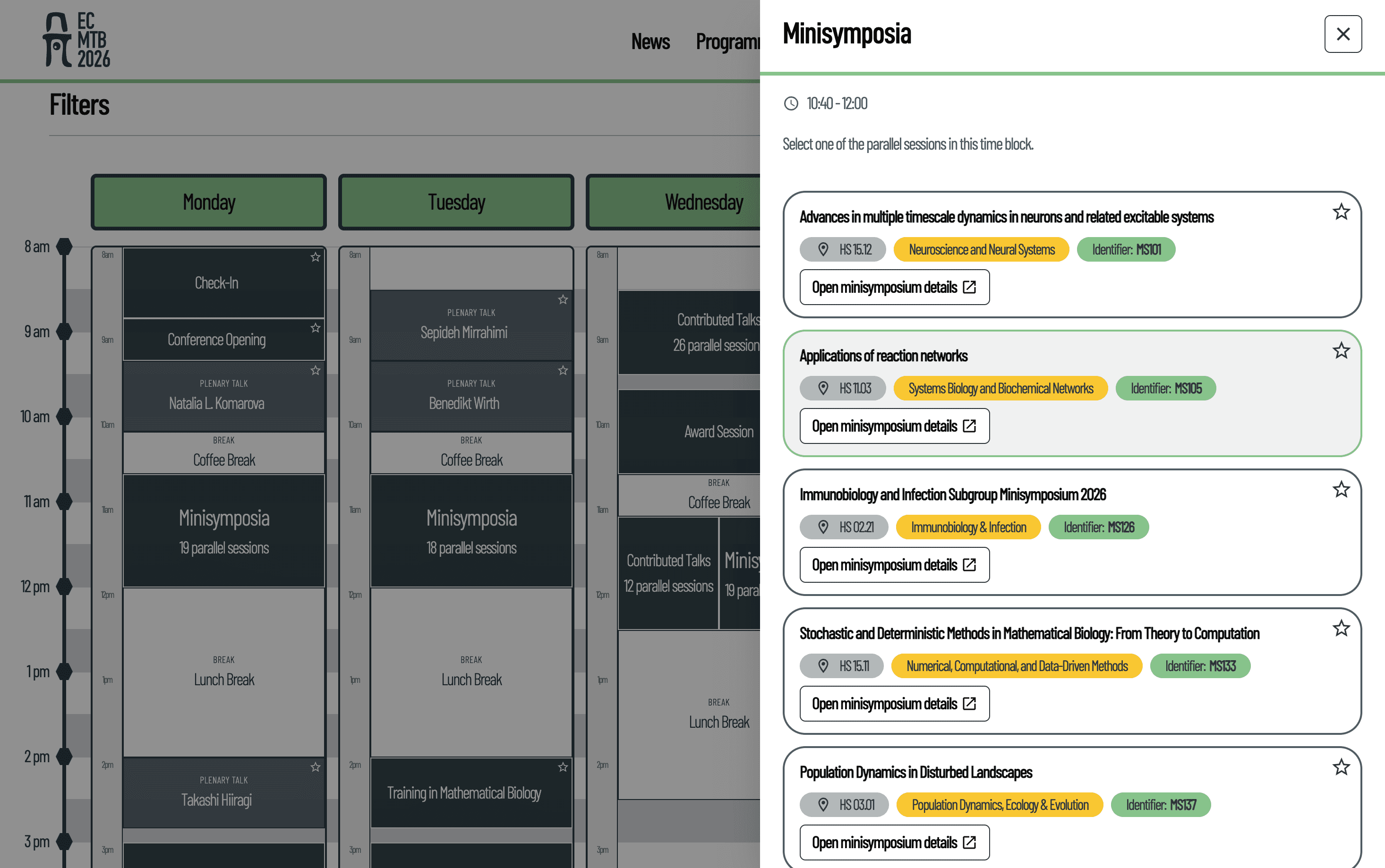
Especially worth noting are the little star icons next to each entry: Since it's not just unlikely but rather impossible one person is interested in all 1,300 contributions, this interactive calendar allows you to favourite individual contributions or even entire Minisymposia. You then could switch to your personalised schedule view, which would only show sessions you favoured.
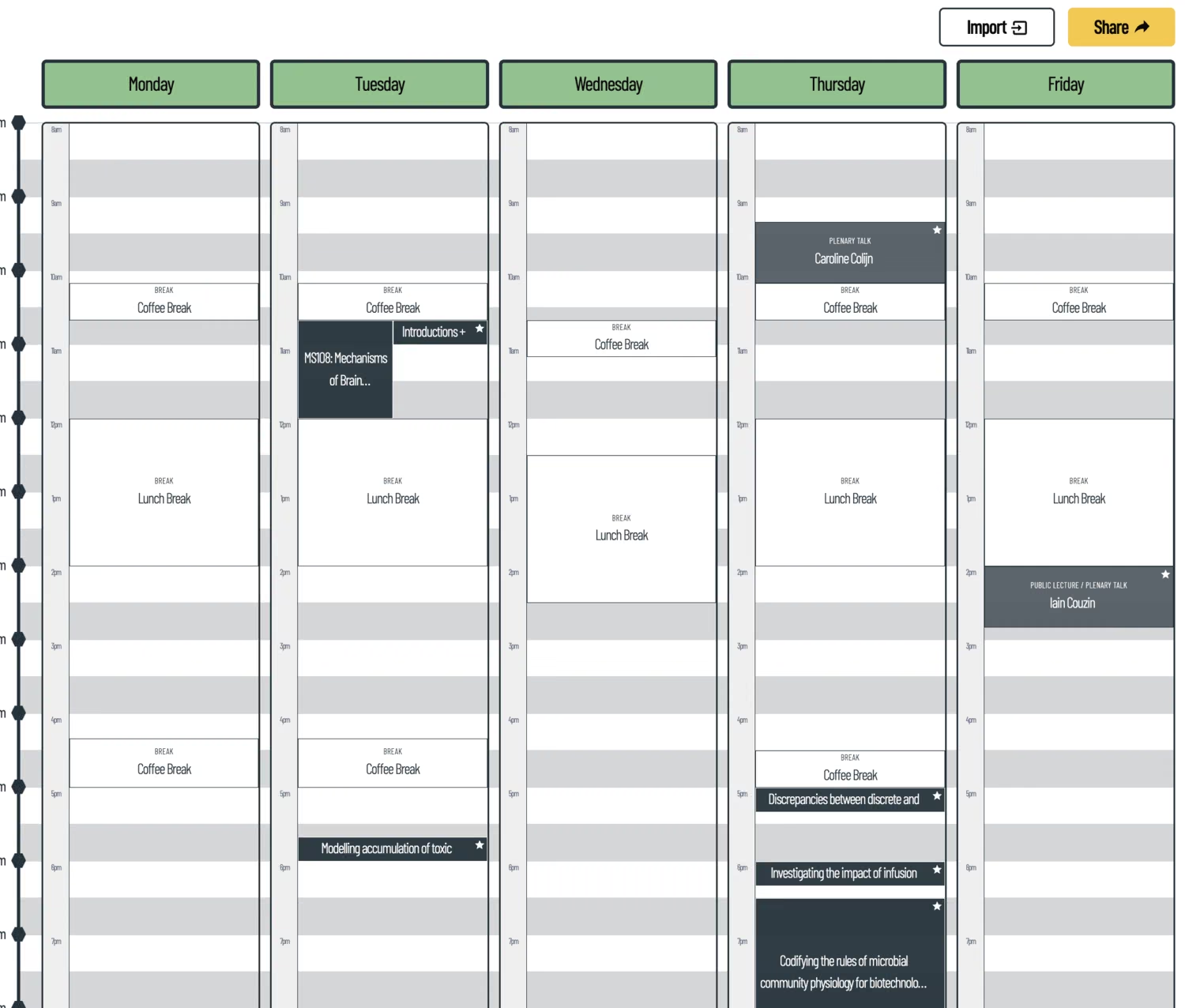
Personalised schedules could also be easily shared via a link. This helps sync up with one's colleagues or just across several devices. No accounts, login, or other complicated setups needed.
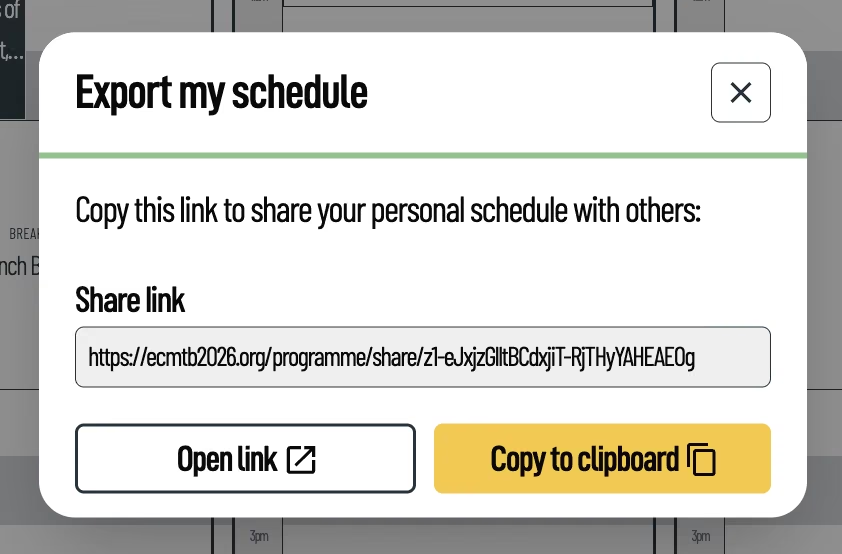
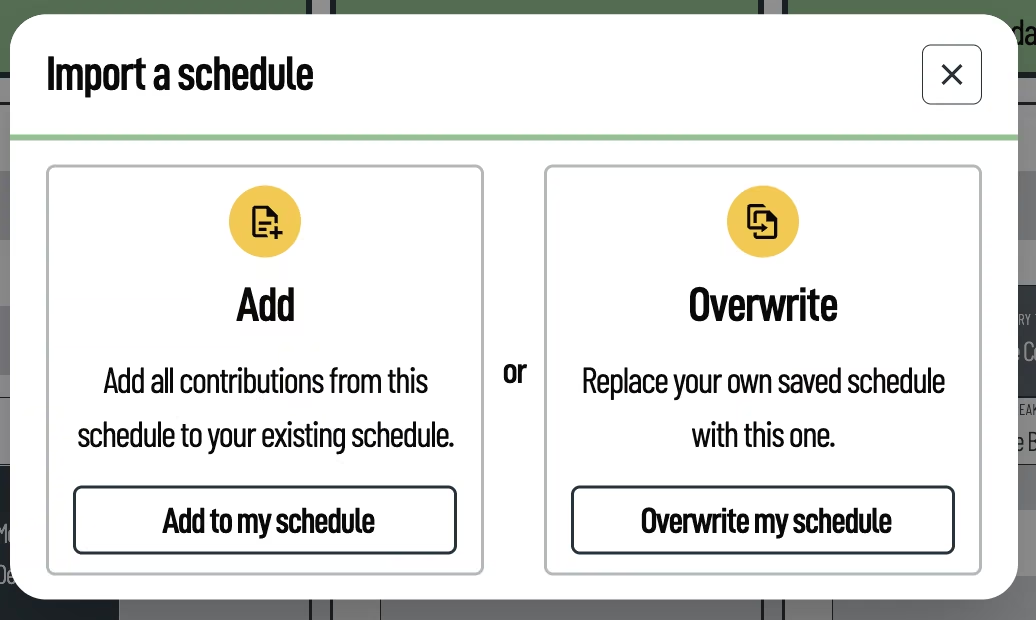
The calendar and all its featured functions are built with mobile in mind to ensure swift usage "on the go" during the conference days.
This feature was well received among participants and received lots of praise, both on-site and in the feedback survey after.
See for yourself and test the calendar here: https://ecmtb2026.org/programme/.
Interactive maps
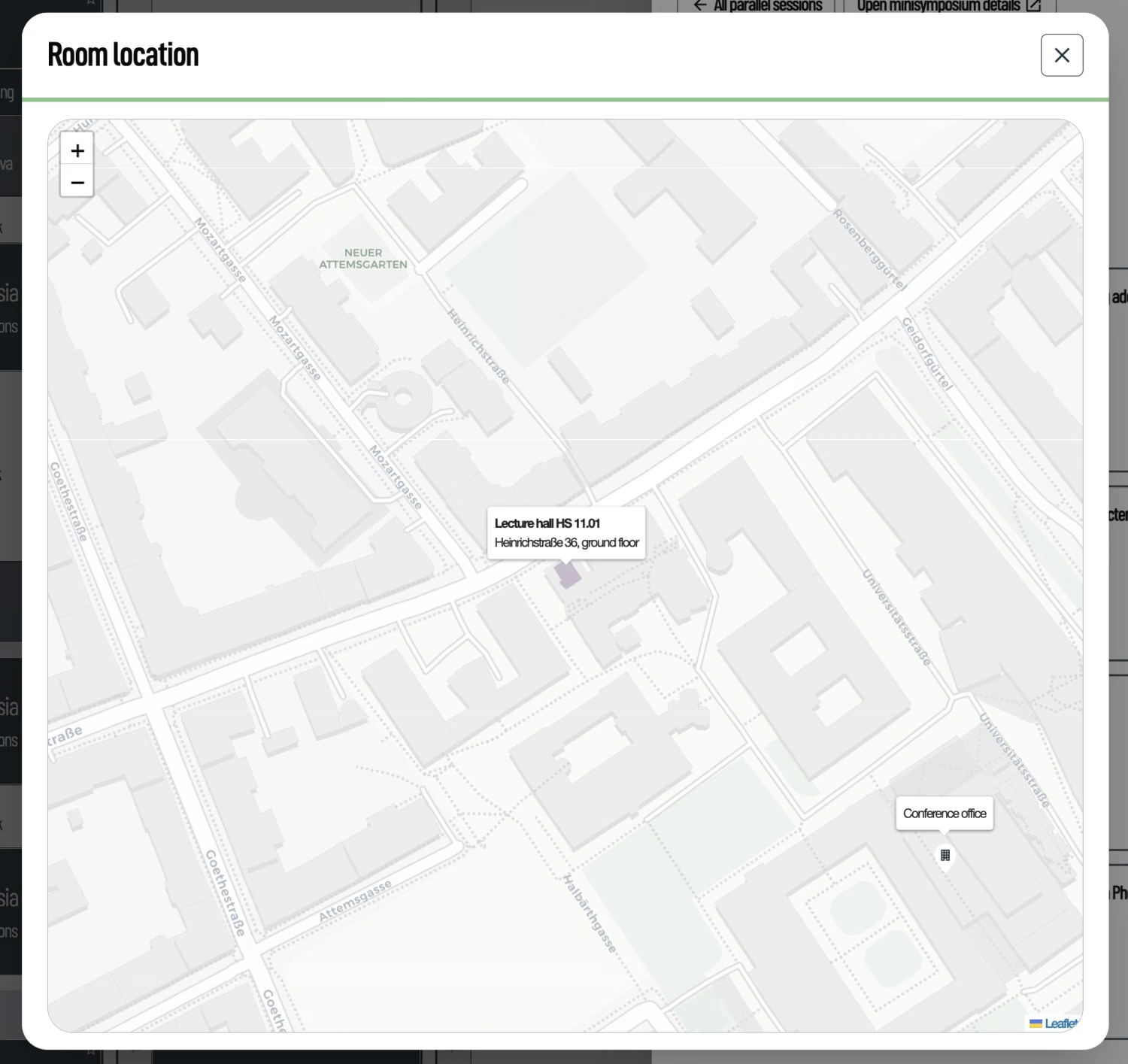
With some sessions featuring over 30 sessions in parallel the conference was also spread out across many rooms and buildings of the university campus. To simplify navigation, we proved digital maps that show the location of each building on a map.
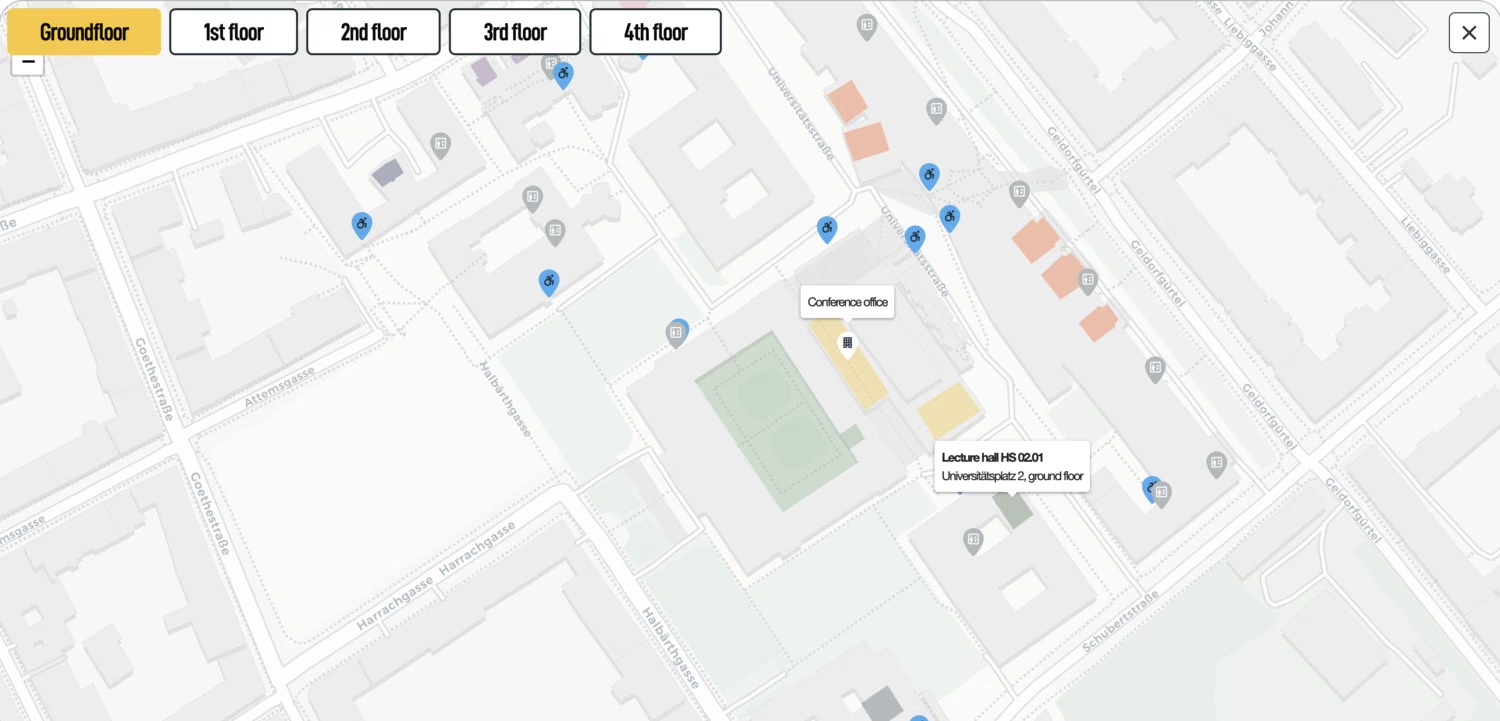
On hover (or on touch devices with tap) the room name and number as well as the building and the floor it's own are shown. Each building is colour-coded. As the main point of orientation the Conference office is marked per default on every map.
Also in the detail views in the interactive calendar the location for each talk is not only noted but can also be viewed directly on the map.
Quicklinks
During the conference week it was crucial to make resources readily available for each participant, including some external links. For this purpose I created a Quicklink page. It could be accessed via https://ecmtb2026.org/quicklinks/ or simply by scanning the QR code which was on everyone's nametag.
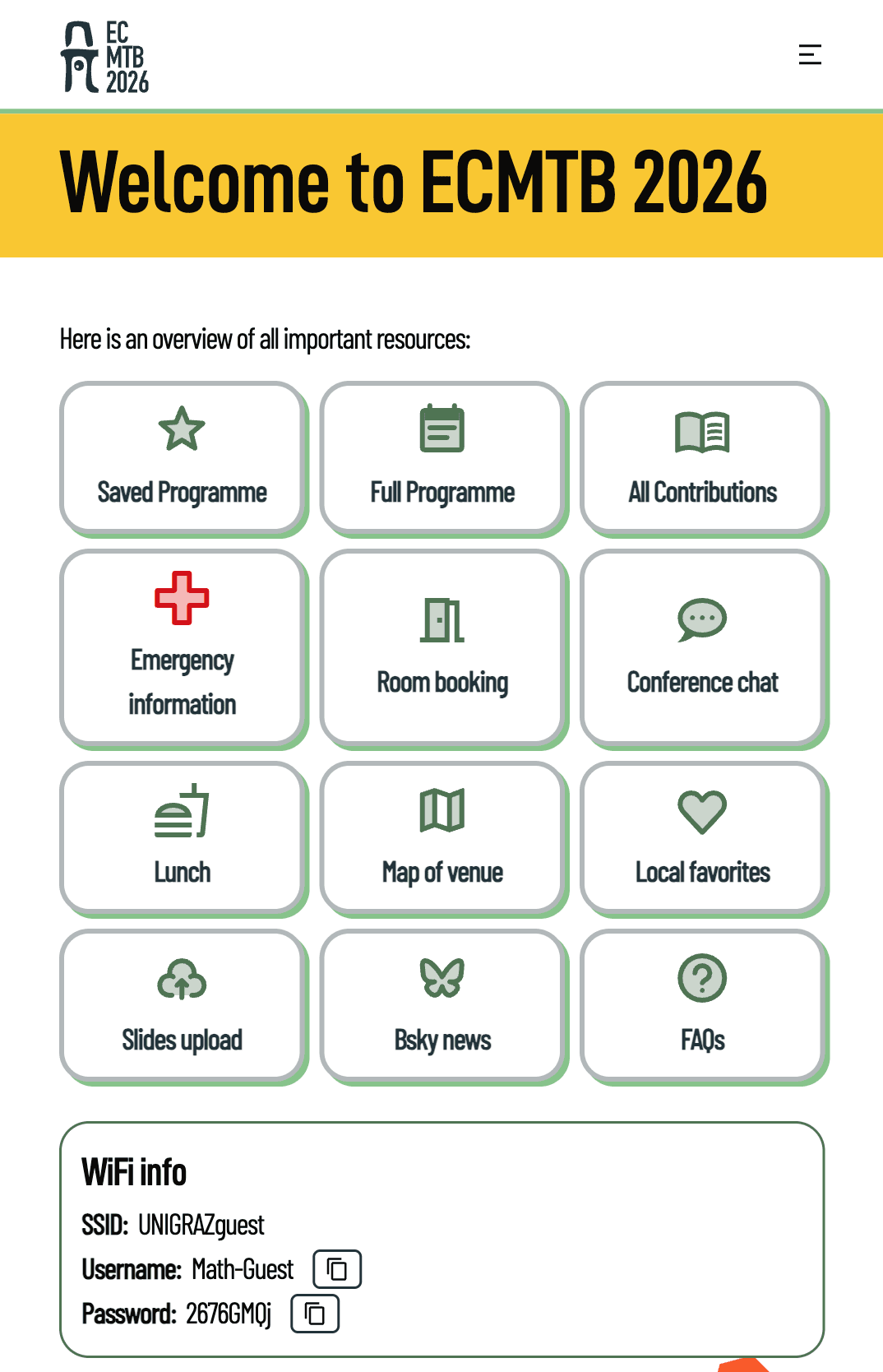
Additional to the most important resources on the website itself it also links to a room booking system or slide upload. Both of which were also custom built software designed and implemented by me.
All contributions
A more structured database-approach of the contributions is also available. It once again features the flexible filters and the powerful search-bar.
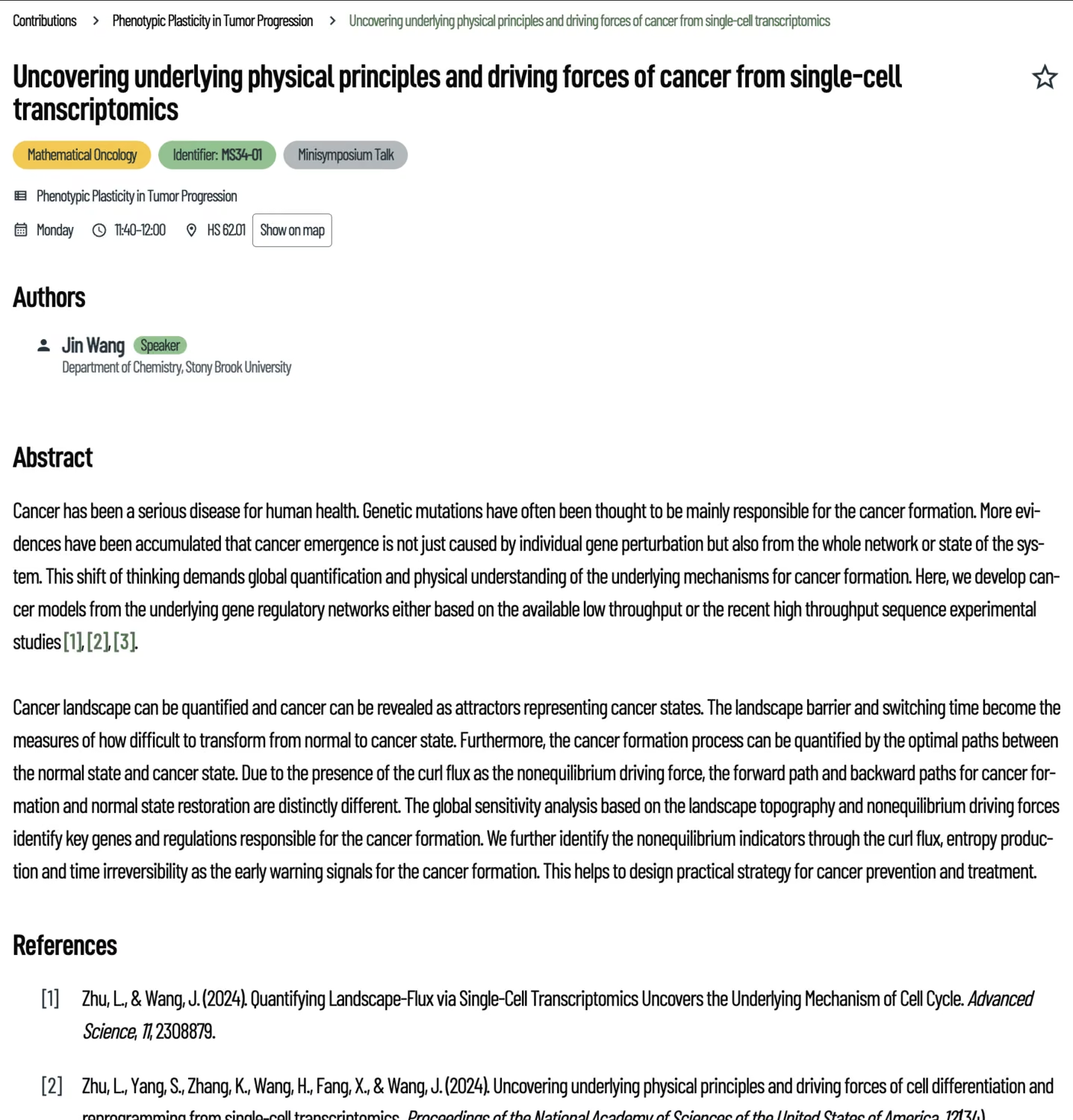
Each contribution has its own detail page with key information on date, time, author as well as the whole abstract and mentioned references. This page is also reachable via the calendar-entry.
Nametags
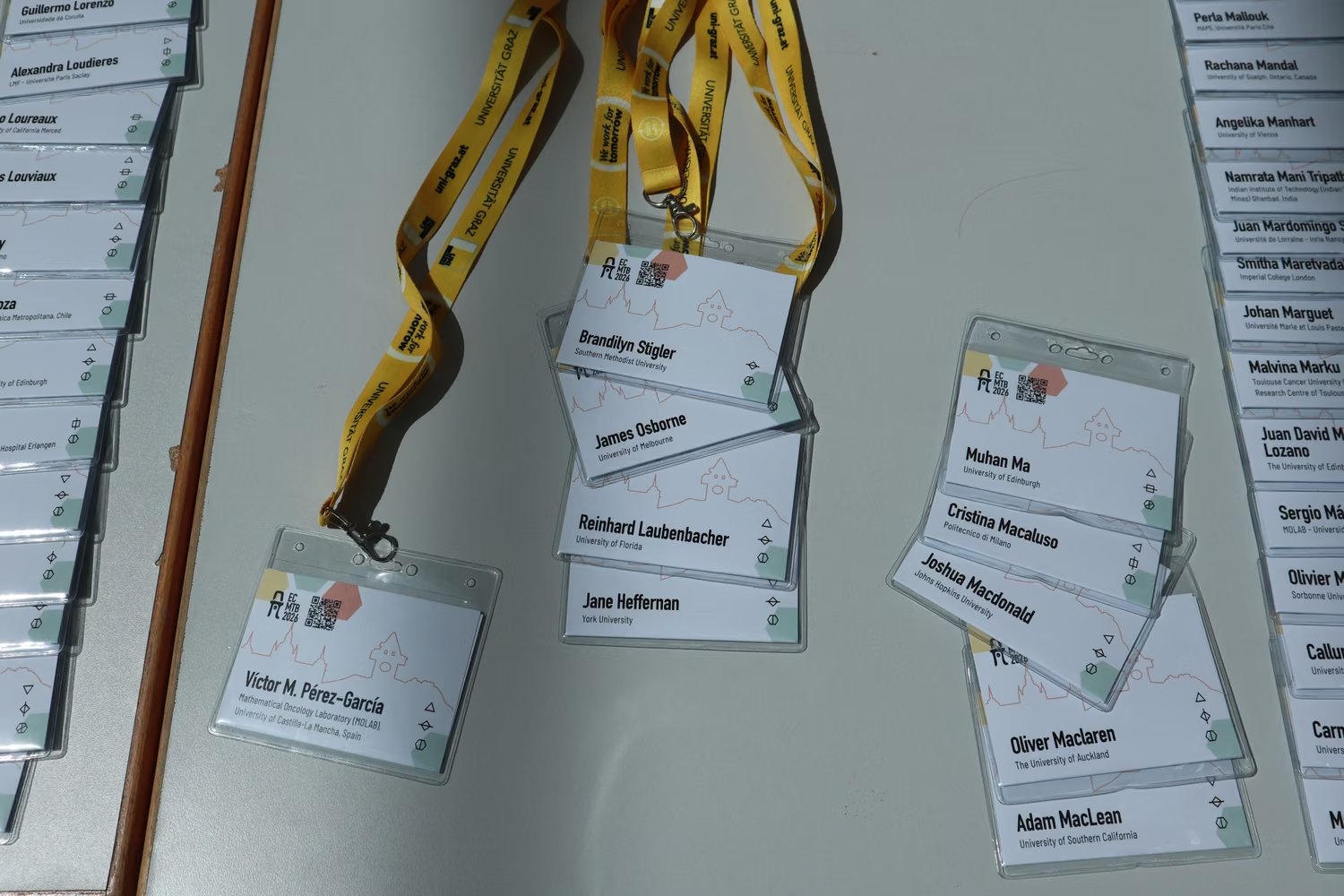
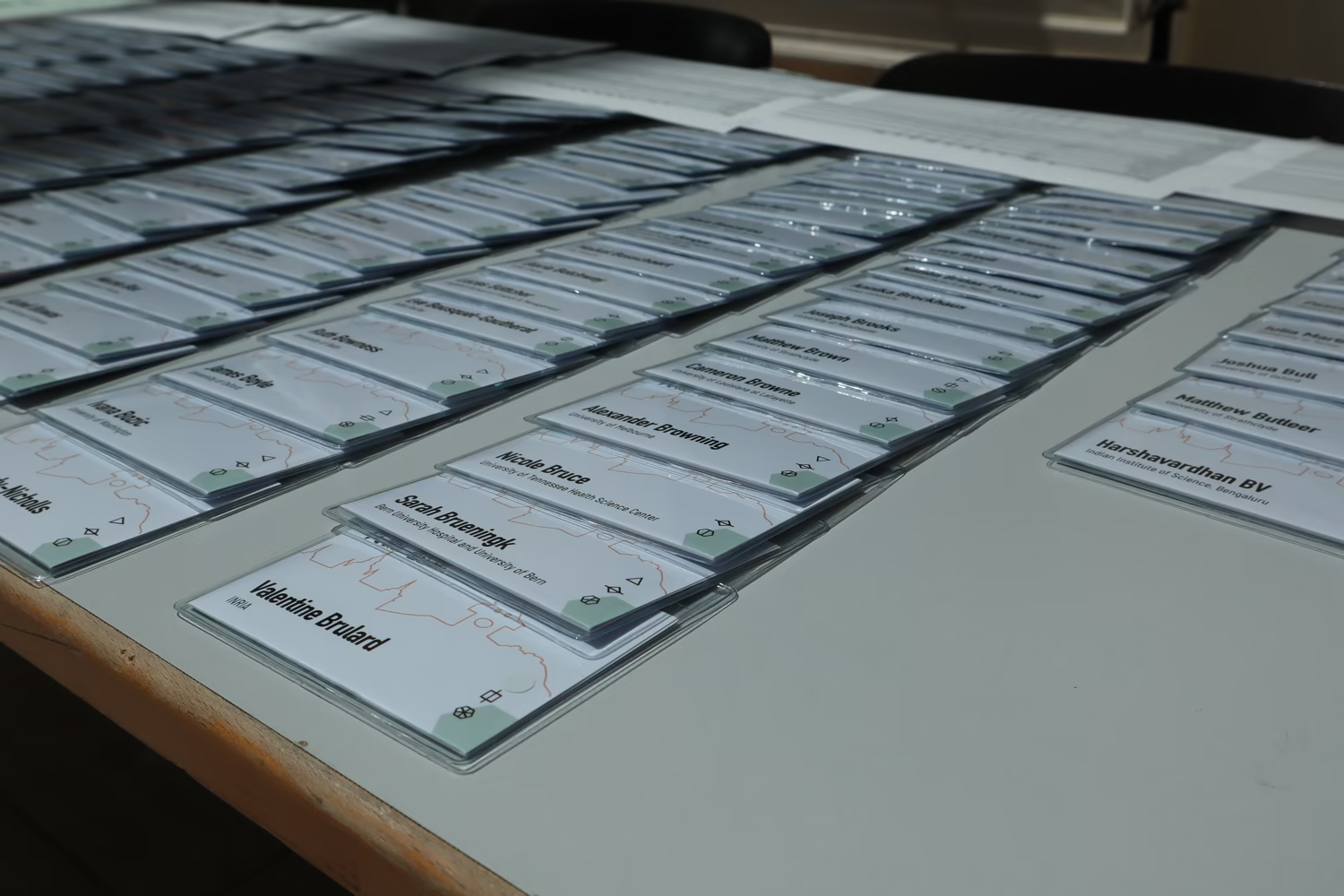
Nametags can be a conversation starter at each conference. Maybe you're familiar with the name and finally can put a face to it. Or perhaps you know other colleagues at the university the person has in their affiliation.
For ECMTB we added a third topic of conversation: the little symbols in the bottom right corner. Each participant had two, many even three cryptic icons. Each one encoded information about the participant: the fee they paid (student/standard, etc.), their contributions to the conference (gave a talk, organised a Minisymposium, etc.), and whether they attended one of the social trips. The best way to get behind the code was to talk to as many other people as possible and find out what you might have in common (or what is different?). At the end of the conference their true meaning was revealed.
Aside the fun mini-game the nametags have a playful design with large and clear to read print for the names. The standard nametags are all white. Special green ones were reserved for the local organisers and yellow ones for VIPs (e.g. people that held a plenary talk). On the top you can spot the QR code that leads to the aforementioned quicklink page.
|
|
|---|
Printed maps & way signs
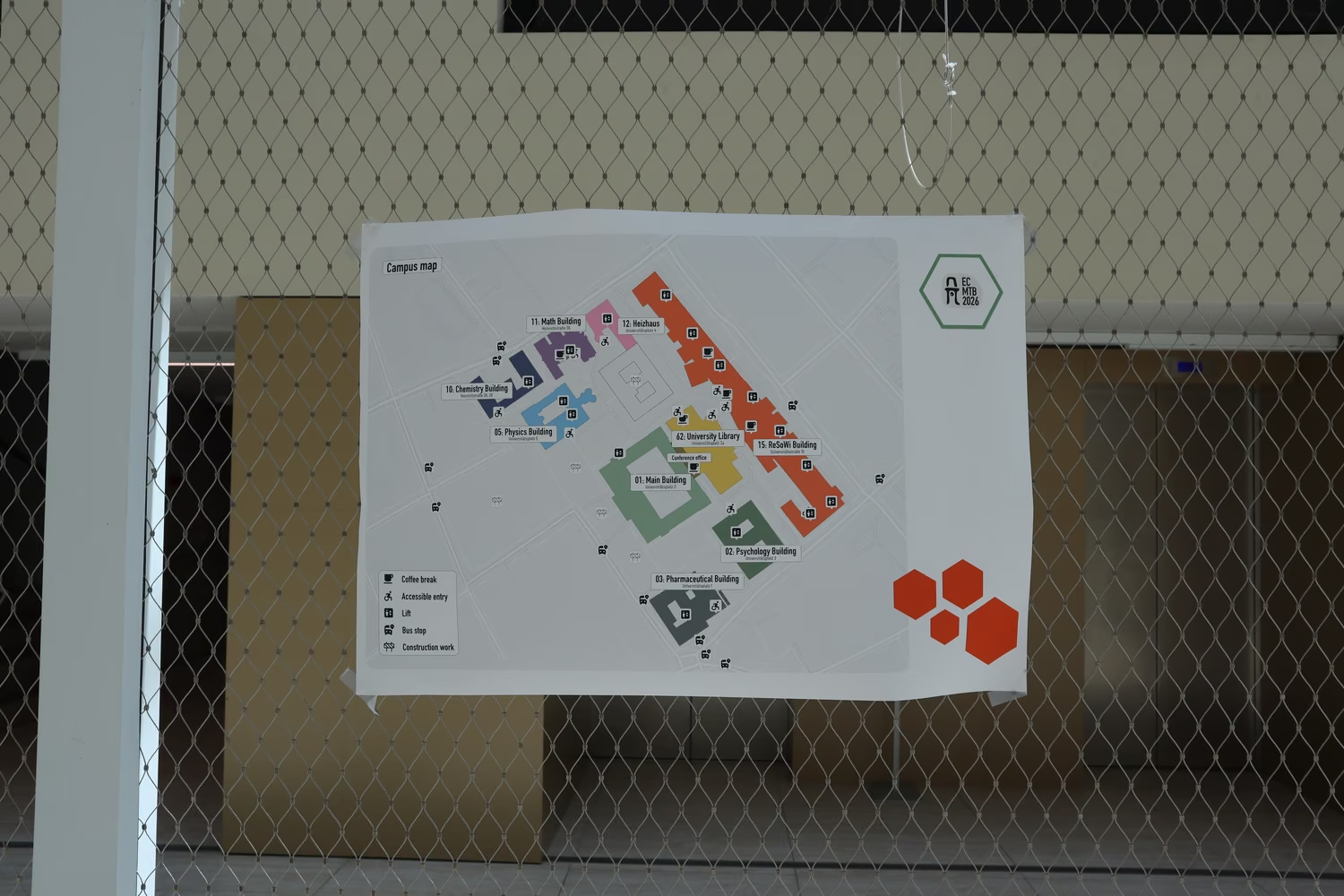
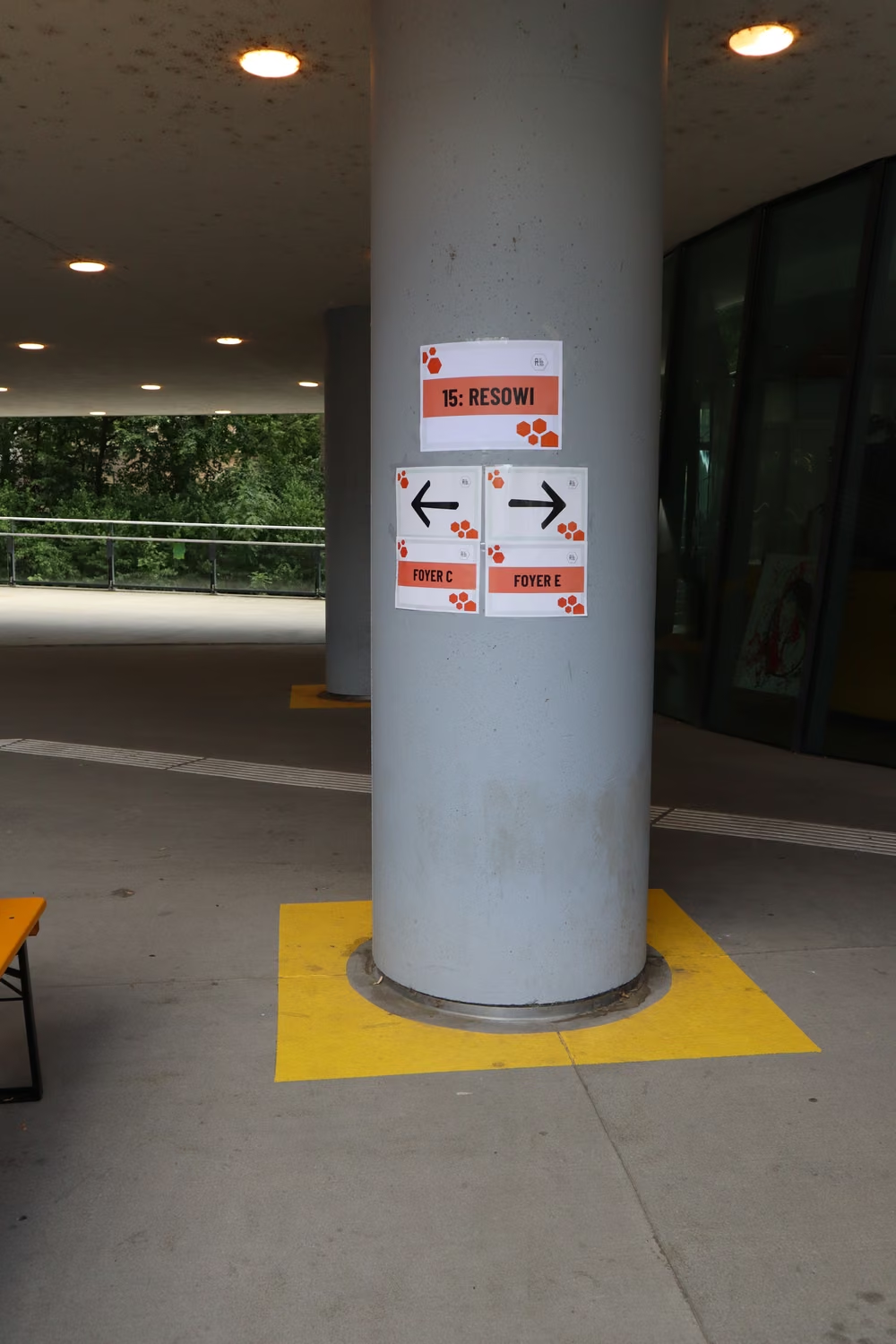
Navigation across the campus also had to make its way in the physical world. Large printed maps were spread across the campus. It reflects the colour-coding from its digital counterpart. Clear iconography helps find points of interest. The same map was also available in a minified printed version for participants to grab and mark their personal important spots.
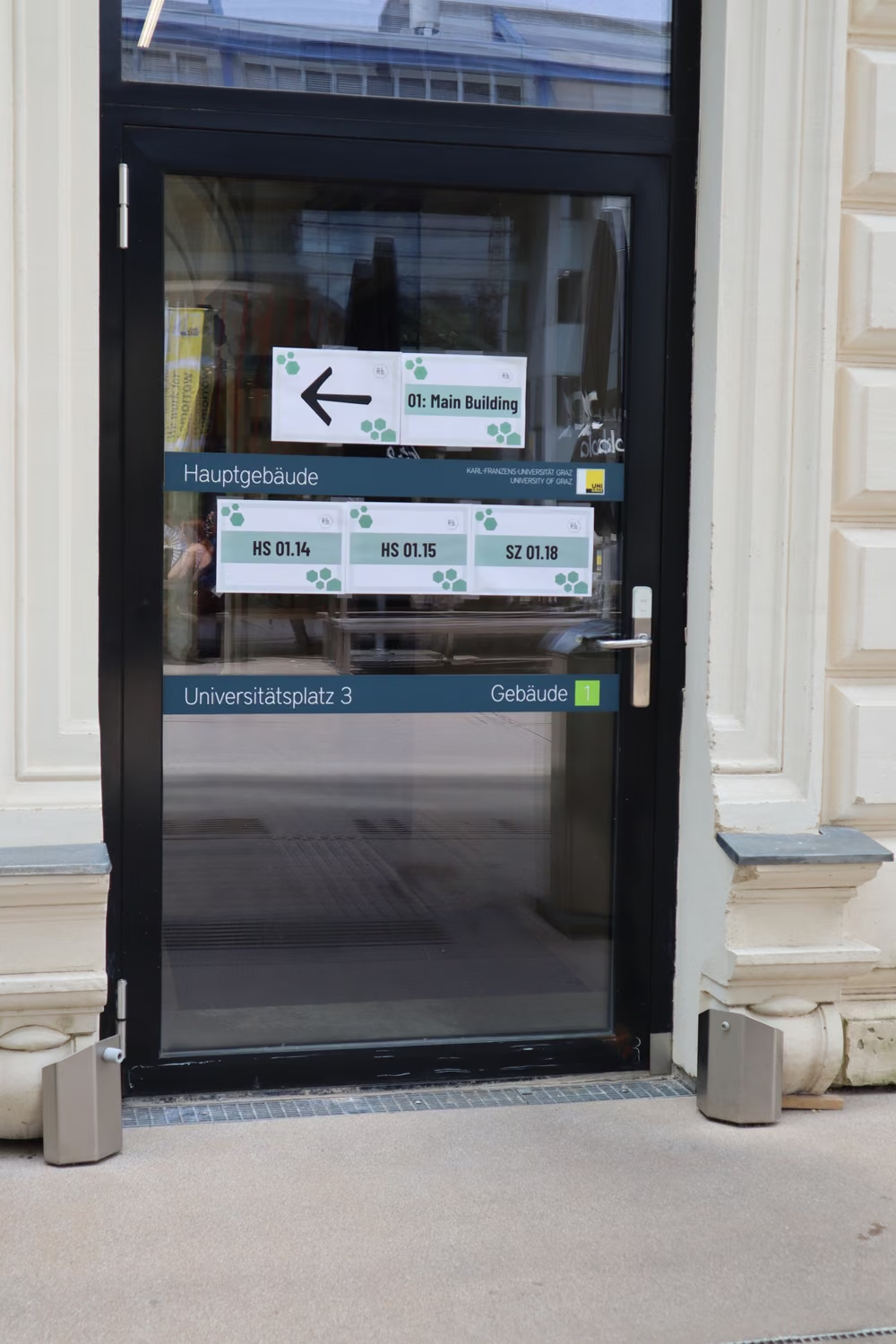
In line with its building's colour-code dozens of way point signs were spread across campus as well. They help find accessible entrances, rooms and other points of interest.
|
|
|---|
Goodie bag
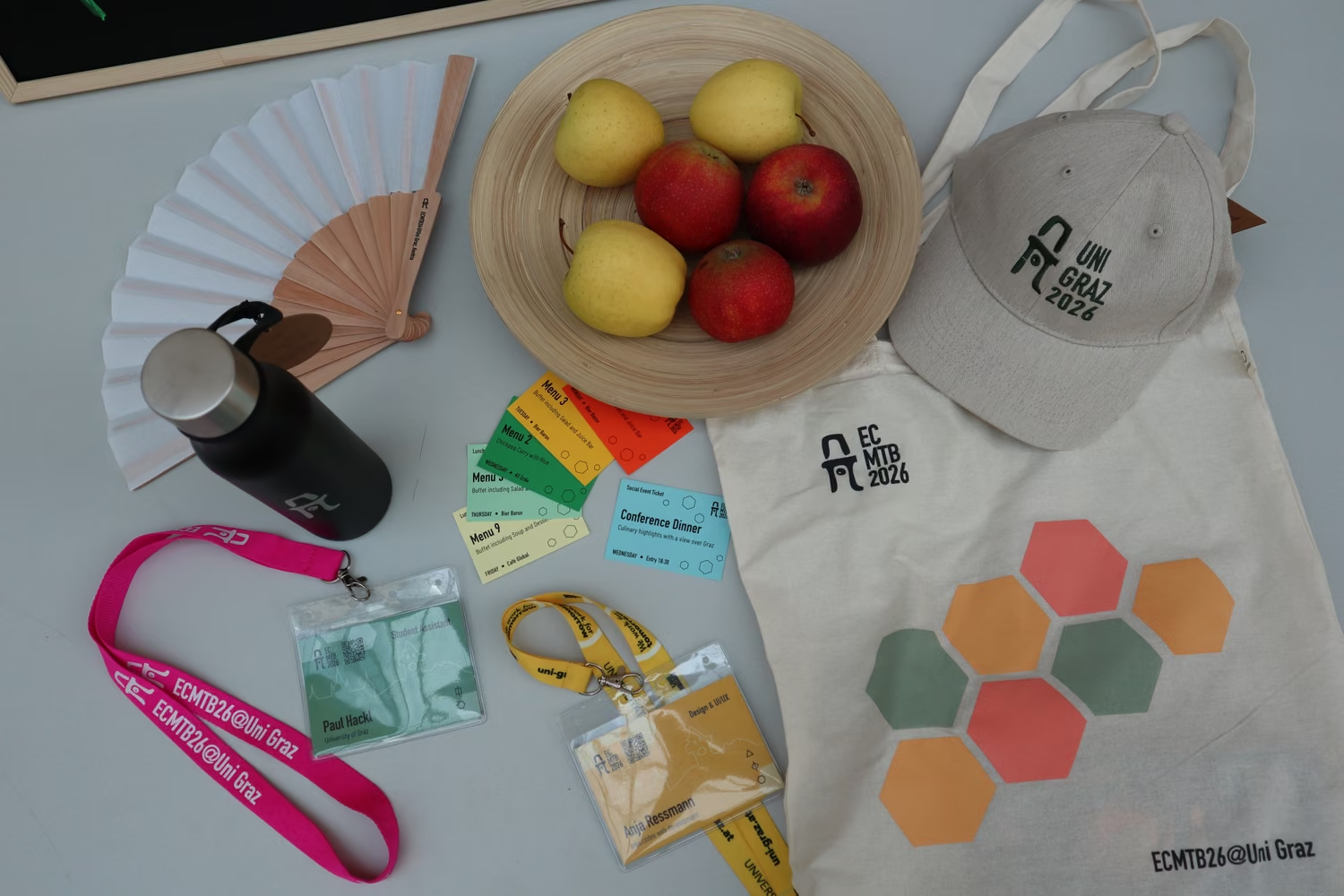
Each participant received a goodie bag with items designed by me as well. The bag itself features the recognizable branding of the ECMTB2026 with the colourful hexagons and the logo. Inside it one would a sustainable wooden fan, a reusable water bottle, a comfortable cap, and of course their nametags with their lunch vouchers for the week.
On this image you can see the special nametags in green (local organiser) and yellow (VIP). Additionally to the green nametag local organisers also were the only ones with a bright pink lanyard which made it easy to spot them in a crowd.